Kano Computer Kit
Hey guys,
Check out my latest game I created using Scratch coding!
It took me a day to finished it. It's not really a polished game. And, I might edit it later on. It's like a demo and you can play it here!
Scratch are a great learning tool for kids and even adults if you're interested in coding and programming. If they had this when I was in school, I would have learned about computers and coding much faster.
A great way for kids to learn about computing and coding are with Kano computer kit!
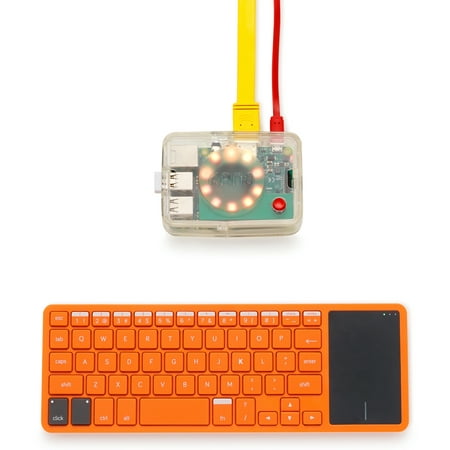

Kano Computer Kit 2017 â Make a computer, learn to code
I learned about Scratch from Kano OS. Their OS are built for kids to learn about computing and programming. It's a good start if you want your children to learn and also have fun playing games at the same time!


Kano Screen Kit
Children can learn about coding via games like pong, minecraft hack, snake, terminal quest and many more. These are really basic but it's a good start and a safe environment for children to learn. Get Kano computer kit today!
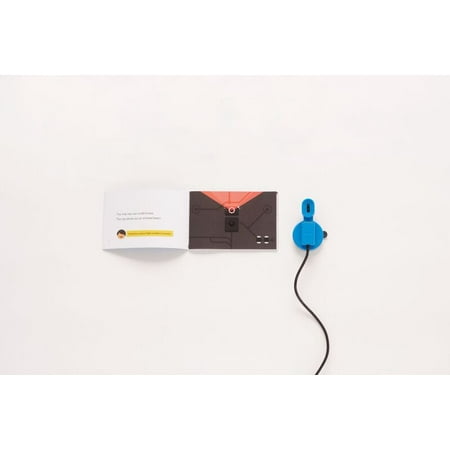

Kano Motion Sensor Kit â Learn to code with movement
A fun and safe way for children to learn. In time, they can even learn to build and code their own robot via python or other programming language. It's always good to start young. If you didn't know yet, Kano computing kit are based on Raspberry pi 3!
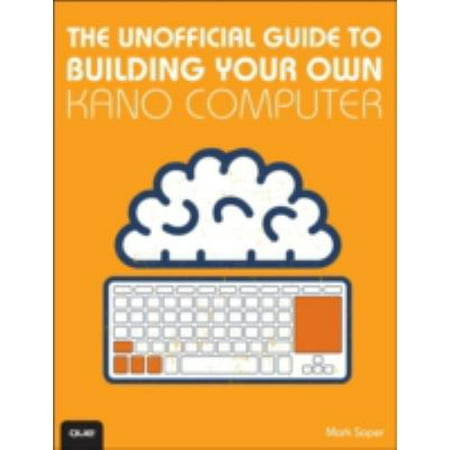

The Unofficial Guide to Building Your Own Kano Computer: Building, Using, and Learning to Code Using the Kano Computer Kit
Kids can also learn Scratch coding with coding cards!
Order for your kids today!

scratch coding cards creative coding activities for kids
Get your kids into coding and learning about robotics with Raspberry pi!

Raspberry Pi robot building kit: Raspberry Pi 3B + AlphaBot + Camera
It's really fun to be able to build your own DIY smart car robot and run it via python code or even with scratch!
Learning about programming and electronics haven't been this much fun!
Don't forget to watch my demo game video gameplay!
Pls like, share and subscribe to my blog and @ youtube.com/freaker126!
Happy coding!
P.S. Kano Computer Kit 2017 â Make a computer, learn to code


 , that came with Raspbian and also accessories like
  card with adapter, keyboard, mouse and even a case. I quickly set it up and played with it for almost a day.

 linux. And,
  not really new to me as I've used it before, especially the popular
  version. I checked and loaded some of the old games that I used to play. But, what I really wanted to do was to install
  OS on my
  .
.

 .
.


