Showing posts with label bbc micro:bit. Show all posts

Tuesday, February 13, 2018

Scratch Coding - My Brick Breaker Tunnel game demo gameplay


scratch coding cards creative coding activities for kids

Hey guys,

Check out my new 'Brick Breaker Tunnel' game!

https://scratch.mit.edu/users/alongcat/

I created using Scratch coding today. All artworks and sound effects from Scratch sample. Finally, learned how to add score by adding, "Score" variable. I also did some editing on my other games that I've created. Check them out if you haven't!

If you're interested or want your kids to learn then check out the site and some of the books available below on coding with Scratch. It's really fun and I've really learned a lot since, I bought my arduino and raspberry pi 3 package.

I also bought myself the BBC Micro:bit and learn coding using their javascripts block. Definitely, a lot of resources and products you can buy for yourself or for your children to learn while they're still young. Make 2018 a year of learning coding!


scratch coding cards creative coding activities for kids


coding games in scratch
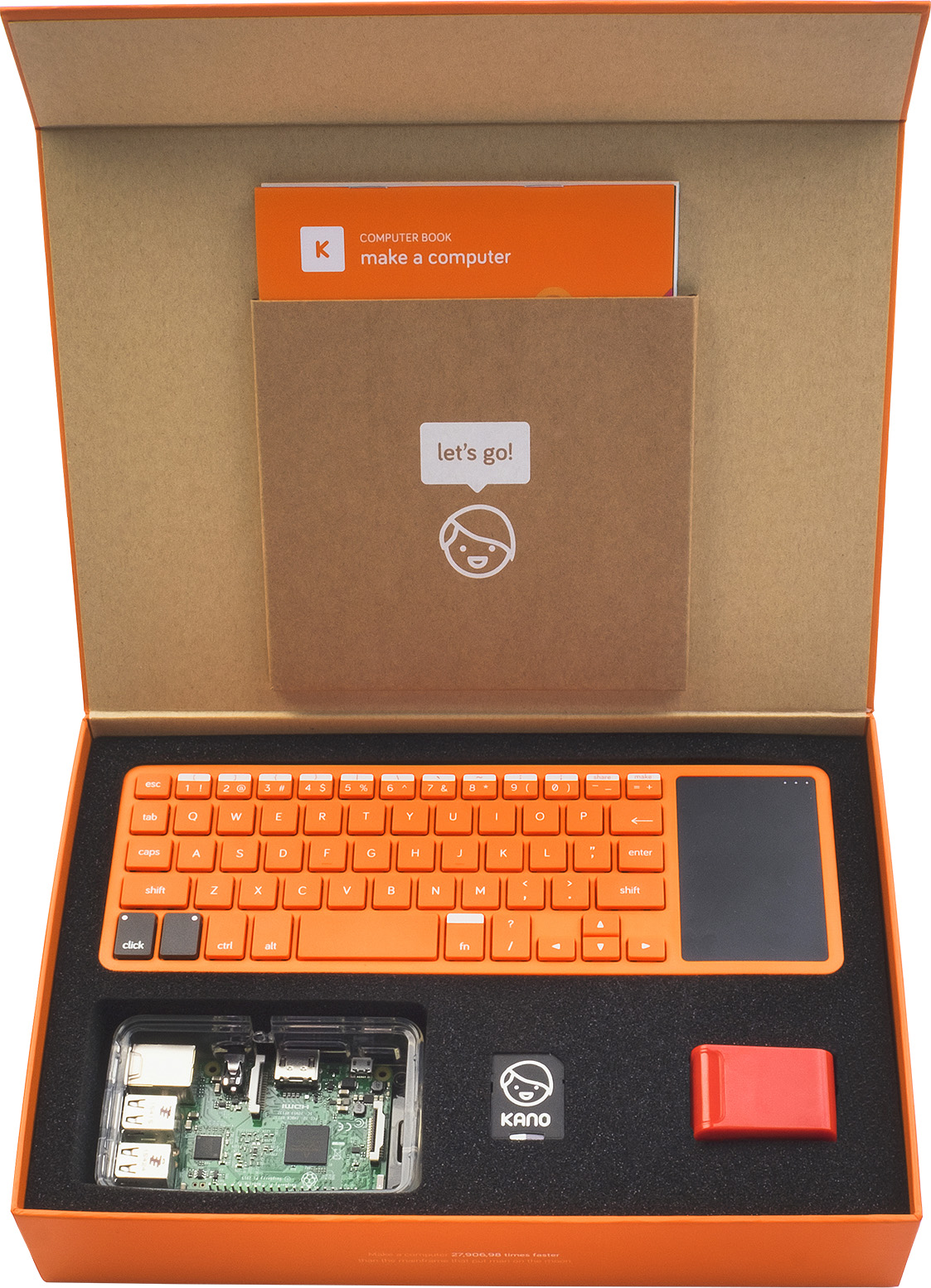


Kano Computer Kit


Maker Studio AK0000510M Arduino Uno R3 Learning Advanced Kit - Multicolored


Raspberry Pi 3 Model B Project Board Development Board Linux Mini PC BCM2837 quad-core ARM Cortex-A53 with Rainbow Case

It's fun and it's practical. Everyone, loved doing their own DIY and learning to code or even being able to build their own smart robot. Make the new year, a year of learning!

Don't forget to check out my video and subscribe!

Happy coding!

P.S. scratch coding cards creative coding activities for kids


Thursday, January 25, 2018

BBC MICROBIT CAR RACING MANIAC


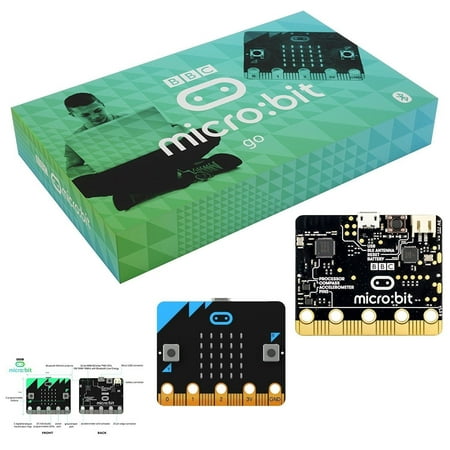
BBC2546862 Micro:bit go

Hey guys,

Check it out!

Finally! Manage to create my own BBC Micro: bit car racing game!

I call it, "Car Racing Maniac!"

Click here to check out the game!

You can download or even edit it. If you want to edit, make sure you save the codes to your preferred devices. It took me almost two weeks to finally get a decent racing car game working. I was stuck at how to code the 'player car' if hit by another on the road.

I searched around for tips but couldn't find anything that I like. Since I've already coded it my way halfway through, I was hesitant to change it. I played around with the javascript blocks editor and finally found a workaround. It was like, eureka!

It's really fun and sometimes also a bit frustrating if you don't have a basic foundation of javascript. Most, of the time, I just used my instincts or improvised from the bits and pieces of knowledge that I've learned through making the other games and watching tutorials.

It's kinda funny that, almost  20 years ago, I had wanted to learn javascript and only now managed to learn it. Thanks to the latest creation of the blocks editor that makes it easier for kids (and adults) to quickly learn and understand. Also, to the creation of the single-board computers like raspberry pi!

Get your BBC Micro: bit here if you haven't:


BBC2546862 Micro:bit go

Also, available other cool products that go with your micro: bit!


Yahboom Robot Kit for Micro:bit to Learn Programming STEM Education Car for Kids(Without Micro:bit)


Adeept BBC Micro:bit Starter Kit | Electronic microbit Starter Kit for Micro:bit with 31 Projects Tutorial Book(PDF)


ELECROW BBC Micro:bit Starter Kit Crowtail STEAM Educational Basic Starter Kit(with Microbit Board and Tutorial)

Get your kids into learning robotic!

The BBC Micro: bit might be for kids, but for adults, it's still a fun way to learn new things and about coding. You're never too old to learn and have fun!

Don't forget to watch the video!

Like, share, subscribe to youtube.com/freaker126 and our blog for the latest post. Include an update on product deals and sales!

Happy computing!

P.S. BBC2546862 Micro:bit go


Monday, January 22, 2018

My BBC MICRO BIT WINDMILL FAN


Click here to order your BBC micro bit go! icon

Hey guys,

Actually, I was trying to make an improvised smart car robot using the micro bit, kitronik driver motor board and one dc motor. But, I'm missing some parts and it didn't work out. So, I thought, why not just make a fan or windmill fan as demo.

Voila! My own windmill fan!

The code is pretty simple as you just go to microbit.org, choose javascript blocks editor and click add package. Search for kitronik and you'll be able to add their code. They have a cool rc car hack project that you can even follow.

I used their dc motor code to control the fan when pressed, A, to run and B to stop. Easy and fun!

Get your own microbit go!

icon icon

Click here to order your BBC micro bit go! icon

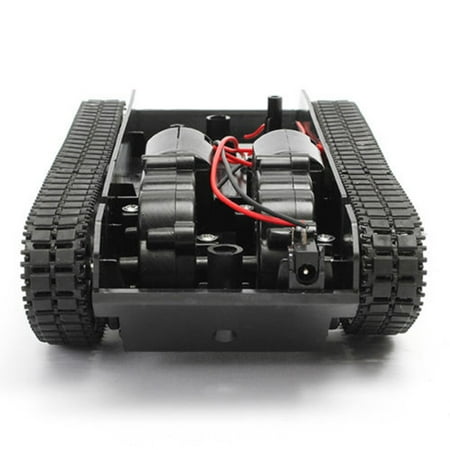
Check out this cool smart robot chassis. You can use it with your microbit and kitronik motor driver!

icon icon

Voberry Smart Robot Tank Car Chassis Kit Rubber Track Crawler for Arduino 130 Motor icon

It's amazing how you can do so much with a small simple microbit board!

Cool!

Pls like share and subscribe to my youtube.com/freaker126 for more videos and also to my blog for latest blog post and products deals!

Happy computing!

P.S. Click here to order your BBC micro bit go! icon

Wal-Mart.com USA, LLC

Monday, January 15, 2018

BBC Microbit Wearit Unboxing and demo startup


BBC2546862 Micro:bit go

Hey guys,

Check it out!

I just got my very own BBC micro: bit wear it kit last Friday. This is great for kids who like to wear it on their wrist, hang it over their neck or clip it to their bag. It comes with extra wrist wrap, clips, double AA batteries, casing, and a quick guide.

BBC2546862 Micro:bit go

The BBC Micro: bit is really fun and interesting to play with. It's generally built for kids to play and learn coding with but adult alike will find it fun too. It's relatively cheap and if you buy a motor shield and dc motors, you can even make a smart robot car.

You can visit their main site @ https://microbit.org and learn to code online with Javascript Blocks editor or MicroPython. Design your own game or project online and download it to your pc or direct it to your micro bit. Pair it with your phone via Bluetooth and code on the go!


BBC2546862 Micro:bit go


Yahboom Coding Robot for Microbit STEM Education Kit Kids to Programmable DIY Toy Car with Tutorial for 8+ (Micro:bit NOT Include)


Adeept BBC Micro:bit Sensor Starter Kit | Microbit Programmable Starter Kit for Micro:bit with 35 Projects PDF Tutorial Book | Micro:bit and Expansion Board Included

I've been learning coding with python for my other raspberry pi 3 and even Arduino smart car robot project. So, I'm also happy that I can even use python to code for the micro: bit. Although, I've been playing with the Javascript blocks editor more as it's much easier.

I've actually created my own version of the "brick breaker" game for the micro: bit. You can check out the game and code here. Download it to your micro: bit and try it out. Edit and mod it if you want. I'm thinking of creating a racing and pinball game.

The more you dabble with the coding, the more you'll learn. I also check out some of the great tutorials on youtube and the micro bit main site. It's incredible that you can do so much with one tiny board. Brilliant!

Get yours if you haven't!

Subscribe to our blog and youtube channel for the latest post and video upload!

Happy micro coding!

P.S. BBC2546862 Micro:bit go